
A year ago, Claude was a chat window.
Now it’s an operating system.

Most creators are still using it like it’s 2022. And that’s the most expensive mistake in the creator economy right now. Not the wrong model. Not the wrong prompt. The wrong relationship with the tool.
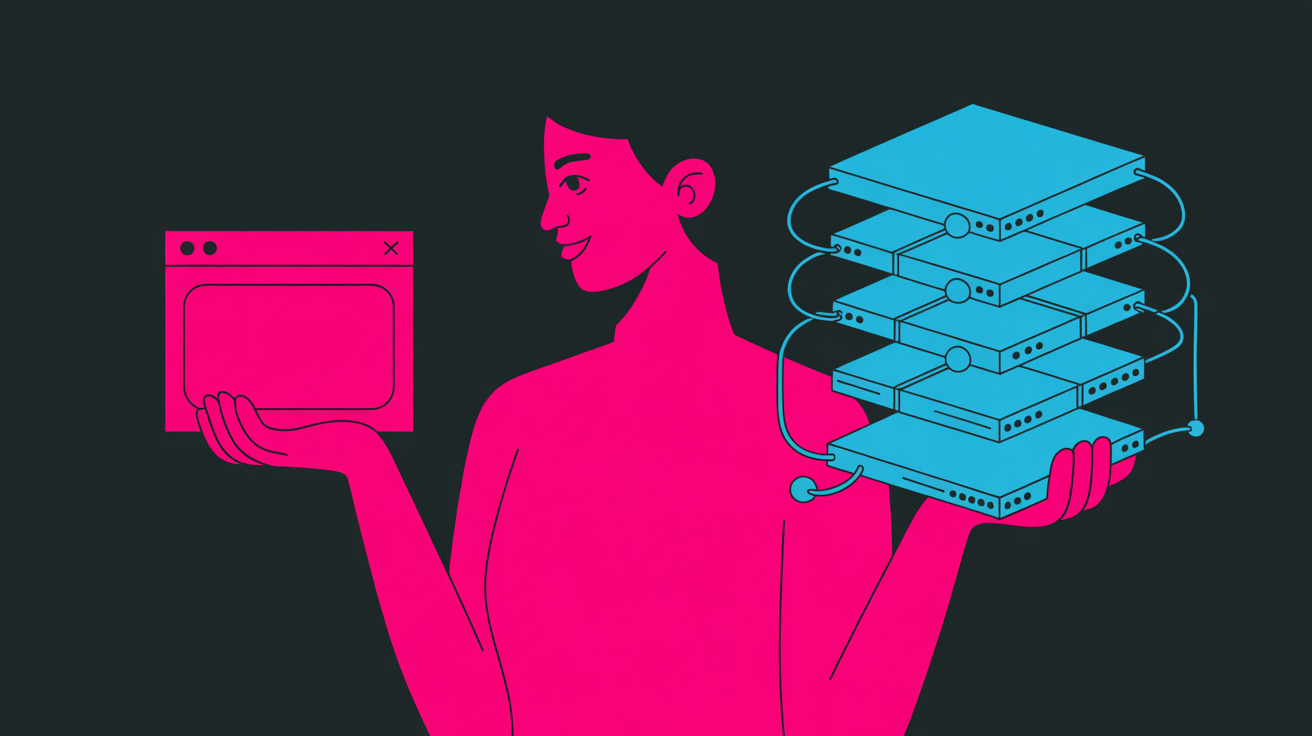
Prompters ask. Programmers build.
The difference isn’t the tech. It’s the operator.
The unsexy truth about “AI-native” workflows
Every other post on my feed opens with “I built an AI workflow that...” and closes with a screenshot of a single prompt.
That’s not a workflow. That’s a prompt. A workflow has memory, reusability, and a thesis. A prompt is a one-night stand with a language model.
If your current system is a Google Doc called Prompt Library Final Final v3 and a folder of screenshots, you haven’t built a system. You’ve built a cupboard. Cupboards don’t think.
(I spent eighteen months doing exactly this. The shame is real. The solve is simple.)
Programming Claude looks nothing like prompting Claude. Here’s what the shift actually is.
Move one: Projects over chats
Every brand voice gets its own Project. Not a thread.
A thread forgets. A Project remembers.
Upload the voice profile, the anti-writing rules, the ICP, the last twenty posts. Now every conversation inside that Project opens with the full context baked in. Your client doesn’t have to explain themselves twice. Neither do you.
The sidebar stops looking like a graveyard of threads titled new chat (12). It starts looking like an office with labelled rooms. One room per client. One room per project. Doors close behind you when you leave.
That alone collapses 60% of the repetition out of your week. No more pasting the same brief into a cold chat. No more training the model from scratch every Monday morning.
Move two: Skills over prompts
One .md file replaces fifty prompt screenshots. And triggers itself on context.
A Skill is a folder that tells Claude: when you see this type of task, use this playbook. It auto-loads. You stop fishing for the right prompt. Claude does the fishing.
One Skill called draft a newsletter holds the structure, the voice rules, the paywall strategy, and the subject line framework. You type draft this week’s newsletter. Claude opens the Skill, pulls the brief, asks the three questions it’s been trained to ask, and produces something in forty-five seconds that would have taken you three hours of wrestling with a cold prompt.
Skills are the difference between owning a car and rebuilding the engine every time you want to go to the shops.
The screenshot library is a museum. The Skill is the shop.
🔒 The rest is for paid subscribers.
Three more moves, the closing-prompt habit that dropped my Claude bill by 80 percent, and the exact reflection prompt I run at the end of every session.
$12/month. Working machinery, not highlight reels.
Move three: Memory over repetition
Turn it on. Seed it with ten corrections. Claude stops making the same mistake twice.
Most people flicked the Memory toggle in 2024, watched it do nothing visible, and forgot about it. They’ve got three memory entries in there. Two are wrong. One is outdated. No wonder it keeps suggesting em-dashes.
The seeding protocol I run for every client voice I build:
Work with Claude for a week on the client’s content. Every time it produces something off-voice, correct it once, then immediately say remember this for next time. Ten corrections in, the model has the voice patterned. Thirty corrections in, it’s better at the voice than most humans.
Memory is the compound interest of AI work. It’s boring to set up. It’s the reason my drafts arrive sharper every Monday.
The people who haven’t touched Memory are rewriting the same correction for the fortieth time this month and wondering why AI “never gets it right.”
Move four: MCPs over copy-paste
Airtable, Gmail, Notion, Stripe, Slack, Drive. All flowing into the same thread.
The work comes to Claude. You stop being the courier between apps.
Before MCPs, my workflow looked like this: open Airtable, copy the client brief, paste into Claude, get the draft, copy it back, paste into Notion, copy the headline, paste into the subject line field, go into Gmail, paste the tracking link, post to LinkedIn, update the Airtable row. Forty-five clicks for one piece of content.
After MCPs: Claude, pull the latest Resource Vault entries, cross-reference with the Content Engine priority list, draft the newsletter, save to Notion, queue the Substack post. One sentence. Thirty seconds.
The MCP moment is when you stop using Claude and Claude starts using your stack.
If your AI workflow still involves the word copy, you’re doing it on hard mode.
Move five: End-of-chat reflection over new-chat panic
The best prompt isn’t the first one. It’s the last one.
I spent eighteen months optimising opening prompts. Reading articles about “hooks for AI.” Tweaking phrasing. Hunting for the magic formula that would make the first message land.
Then one closing prompt ten-x’d my output. And dropped my bill by 80 percent.
Three questions, every session, for thirty days:
What did I learn.
What did I miss.
What should I try next.
That’s it. Paste it at the end of every chat. Read what comes back. Actually read it. Then feed the corrections into Memory, into the Project, into the Skill.
My drafts got sharper. My Skills got smarter. My Claude bill dropped because I stopped running the same half-broken prompt forty times a week trying to brute-force the output.
(The worst prompts in the world aren’t the ones that don’t work. They’re the ones that half-work and let you keep limping along.)
The closing prompt is the self-correction engine. It’s the thing that turns a chat tool into an operating system.
Where this leaves you
If you read this on the free tier, you’ve got the thesis and the first two moves. That’s already further than most.
If you’re on paid, you’ve got the full kit. Try the closing prompt tonight. Tomorrow, build one Skill. That’s week one of programming Claude instead of prompting it.
Neither of those takes more than twenty minutes. Both will outlast every “AI hack” thread you’ve ever saved.
The tool stopped being a chat window a year ago. The operators who keep treating it like one will watch the operators who don’t eat their lunch.
Stop prompting.
Start programming.
Or don’t. Keep screenshotting. Your call.
Sarra writes Your Words Work on Substack and ghostwrites for coaches, CMOs, and founders under The Ghost. Skills, prompts and working files drop every Friday for paid subscribers.